How to Fly in Counter-Strike 2: CS2 Fly Command

CS2 maps are even more detailed than their CS:GO counterparts, and some players like to explore them purely to look for the small details easily missed in the heat of battle. In addition, the knowledge of all the nooks and crannies a map offers can be the difference between life and death in a match. However, exploring everything on your feet takes a lot of time and effort.
But what if there was a way to inspect a map from a bird’s-eye view and even pass through the textures? In this guide, we will tell you how to fly in CS2 so that you can visit every corner of your favorite map in the blink of an eye.
CS2 flying command
noclip
What does the Fly Command do?
As the name suggests, the fly command in CS2 allows you to fly all over the map. In flight, you can reach any height, move in any direction, and pass through all obstacles, including walls. On some maps, activating noclip allows you to spot Easter eggs hidden from the player’s eyes behind the textures.
Exploring maps in this way can definitely enhance your gameplay by improving your map awareness. Just keep in mind that the noclip CS2 flying command is an actual cheating tool, so it can’t be used in competitive matches.
This command is handy for:
- Exploring different CS2 maps;
- Checking lineups;
- Creating content for your videos;
- Training navigation;
- Practicing grenades;
- Perfecting your jump timings;
- Analyzing your opponent’s strategies;
- Developing your own maps;
- Designing in-game events.
Hurry up and try it out today!
How to Activate the Fly Command in CS2
Now that you’ve launched your CS2, how to fly in practice? Easy peasy lemon squeezy!
To brutally abuse the laws of physics and the standard rules of the game engine, do the following:
Open the developer console using the Tilde “~” key. If you haven’t activated the console, you can do so in the Game Settings.
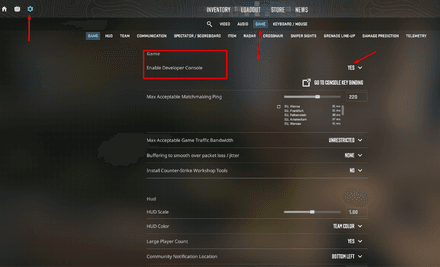
Type
sv_cheats 1to activate the cheats and hit Enter. Keep in mind that you can only use this command in an offline or practice session. It won’t work in official online matches.
Type
noclipand press Enter again.


If you’re interested in exploring more commands, check out our list of all CS2 console commands.
After entering the command, you will be able to fly around the map and pass through walls. There’s one more way to mess with gravity in CS2, although it won’t let you achieve actual flight. Follow the same steps as in the instructions above, but in the third step, enter the following command into the console:
sv_gravity 400

This setting will lower the gravity on the map. Inputting 400 will make the gameplay feel a bit different without breaking it, but you can enter 100, 200, or any number below the default value of 800 for even crazier games. After entering this command, your jumps will become longer and higher, while the game physics will become more “moon-like.”
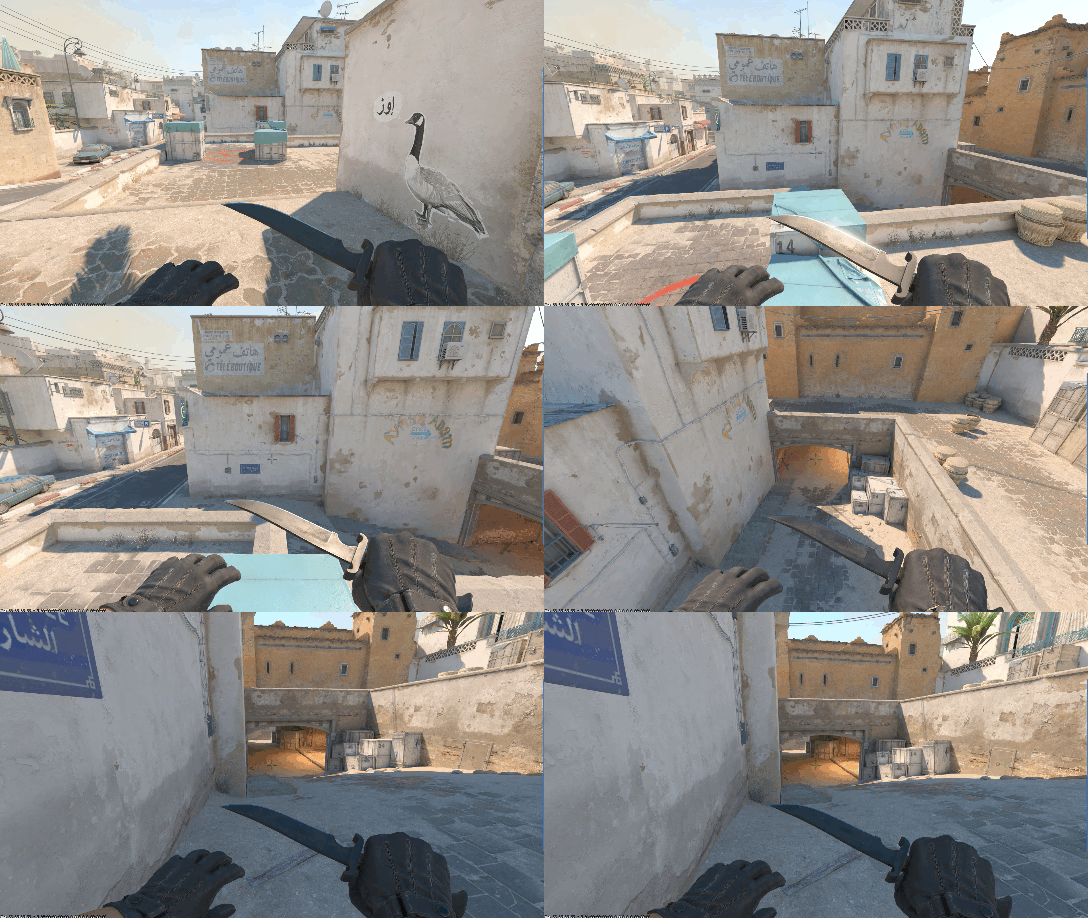
The bad news is that sv_gravity doesn’t let you pass through obstacles. Also, there is a chance you’ll bump into an invisible wall while trying to jump. And if you're interested in becoming invisible yourself, you can use the CS2 invisible command to play a joke on your friends.
Troubleshooting the main fly command in CS2
Sometimes it just happens — the noclip command for flying in CS2 stops working in your games. The most common reasons are: 1) your console is off; 2) the cheats are disabled on the server you’re playing on; 3) you mixed your binds, which resulted in a conflict with other bound commands. So, double-check that you’ve activated your console and turned on the sv_cheats command, and more importantly, that you’re in the right game mode.
How to bind
The first option is to designate one of the keyboard keys you don’t use for any other bind and assign it to the CS2 fly command.
Do this:
- Press the Tilde “~” key to open the console.
- Type
bind [key] “noclip”. Instead of [key], enter the button you want to use. Something like “V” will do.
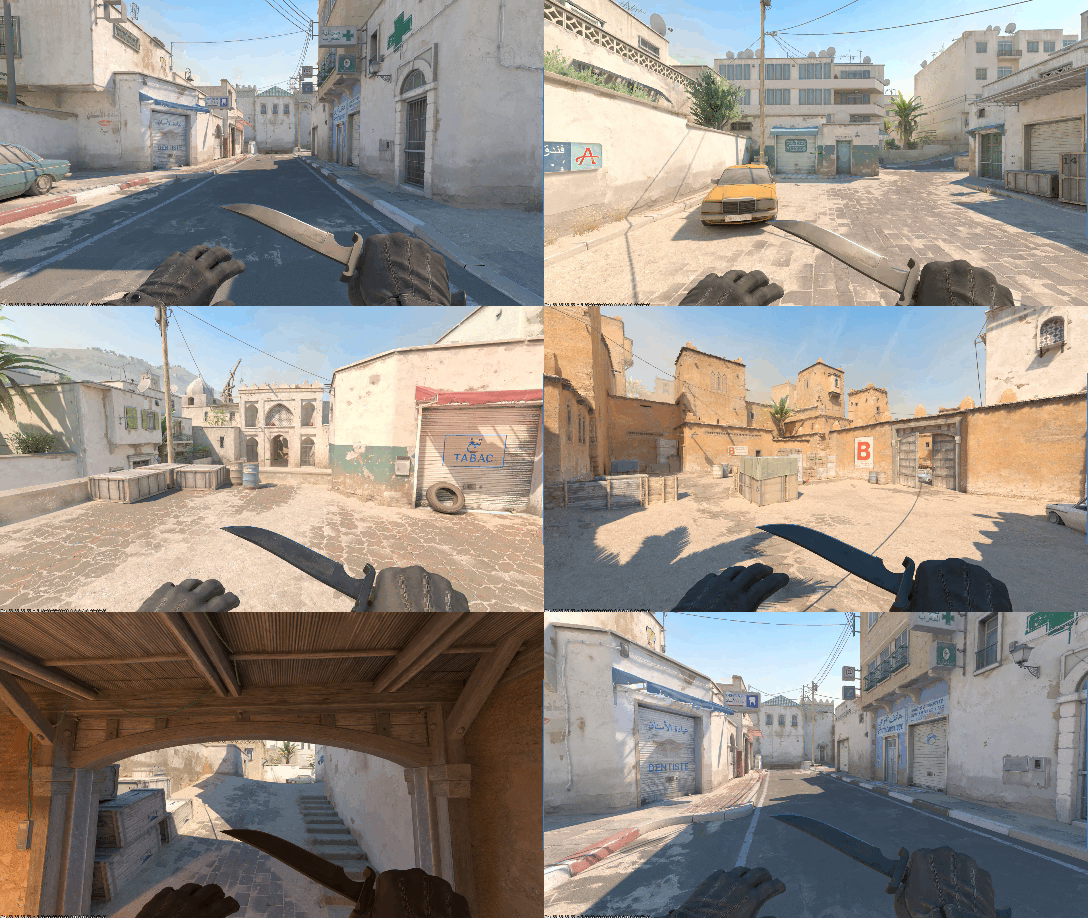
The second option is an even cooler lifehack that few non-pro players know. You don’t have to reactivate the cheats and re-enter the flight command every time. This second bind will help you activate sv_cheats and noclip simultaneously, saving you a lot of time. You can simply bind it to a certain key.
Don't know how to bind noclip in CS2? Just do the following:
- Open the console with the Tilde “~” key.
- Type
bind ALT “sv_cheats 1; noclip”and hit Enter.
We recommend opting for the Alt key since it’s not actively used in the game. Once you bind Alt to “sv_cheats 1; noclip” every time you press this button, you’ll activate (or deactivate) the flight mode.

If you’re interested in this sort of thing, here’s a quick list of fun sv_cheats commands.
How to fly
Once you activate the command, you can start flying in CS2. Your speed will also be increased, allowing you to reach any point on the map within a couple of seconds. Also, pay attention to your crosshair. It’ll be affected by the command even if you don’t move, making all your shooting less precise.
With the flight mode on, you will get an amazing opportunity to pass through any textures. What it means in practice is that you’ll never get stuck while examining some inaccessible corner of the map.
Flying in CS2 is as easy as ABC once you’ve activated it. Use your mouse to choose the direction, and your keyboard to move (W, S, A, D for movement by default).
You can mess around with the sv_gravity cheat as well. The command allows you to tailor your flying speed to your needs by simply adjusting the gravity.

How to stop flying
To disable flying mode, either toggle off your CS2 fly command bind by pressing the Alt key or type noclip 0 in the console.

What Can the Fly Command be Used for?
There are a few scenarios where you might want to use the flight cheat:
- You can use the CS2 fly commands to better explore the map and peek inside all the secluded places and hidden corners.
- Flying is great for practicing different in-game skills. You can quickly get to the grenade or smoke-throw spots and practice as much as you need.
- If you are a map creator, the CS2 flying command is among the first tools you should master.
- The flight mode is great for creating attention-grabbing videos. Due to the advantages of the fly commands in CS2, you can make the perfect surreal footage for your subscribers to enjoy.
- Finally, you can just have fun by looking for Easter eggs.
Once you’ve learned how to fly in CS2, you can bypass the laws of gravity and physical density to analyze strategies or explore maps from above. Sounds cool, right? Discover all the layout intricacies and strategic vantage points of your favorite map, and practice movement tactics to your heart’s content.
Can I Use This Command in Official Modes?
The official online matches in CS2 are rather down-to-earth. Jokes aside, sv_cheats 1 cannot be enabled in any official game mode. Therefore, flying in CS2 is possible only in practice and friendly matches.
Old-school CS fans probably remember the Flying Scoutsman, a weird but fun mode from Global Offensive. Although there’s no official info on whether this mode will return in the future, it may one day return to haunt us once again. The main idea of this mode, as you might have guessed, is to compete against other players while flying. For now, you can use noclip only on custom and offline servers or in Practice mode.
Common CS2 fly command issues:
- The code isn’t working? Check if you’ve enabled sv_cheats and bound the right key.
- Didn’t enable the console? Turn it on in the Game Settings.
- Playing online in Competitive? Official servers don’t support the fly command due to fair play rules.